
Description
Application
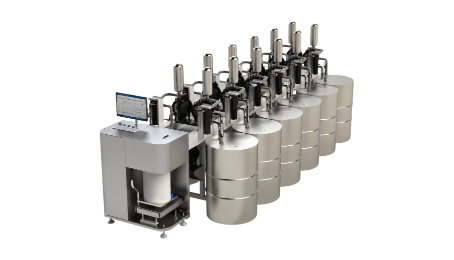
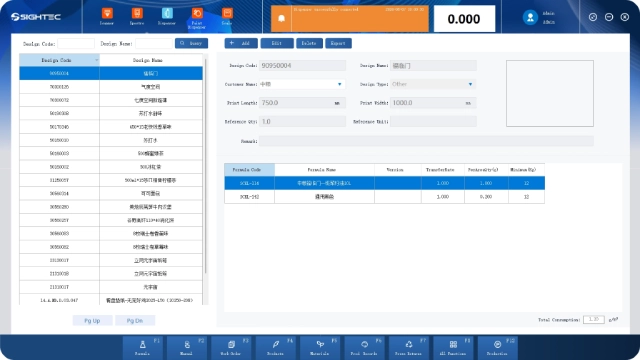
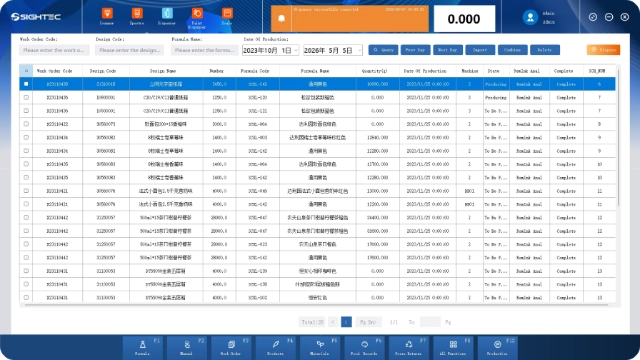
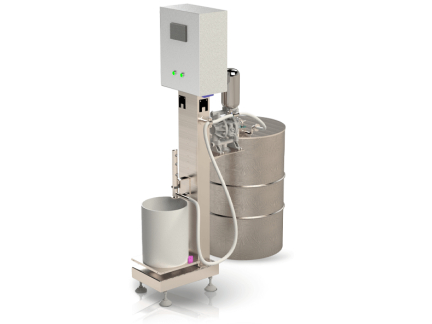
Sightec delivers a comprehensive, end-to-end software solution designed to digitize and streamline ink room and pressroom operations. By integrating Formula Management, Product Management, Work Order Management, Residual Ink Management, and Report Management into a single unified platform, our system empowers printing houses to achieve unparalleled efficiency, accuracy, and cost control.
Highlights
- Ensure the one-time start-up rate of the printing workshop
- Ensure the one-time start-up rate of the printing workshop
- Ensure the one-time start-up rate of the printing workshop
Product Parameter
| Material | Stone Paint |
| Electricity Consumption Environment | 240V 50Hz/415V 50Hz |
| Plug Style |  |
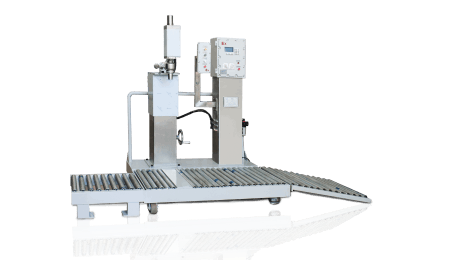
| Number of Filling Heads | Single Head/Double Heads |
Product Support
The instrument offers measurements of color density, all densities, dot area, dot gain, overprinting, printing contrast, tone error, and grayscale. It is widely used in industries such as ink printing, film processing, textile printing and dyeing, and plastics and electronics for precise color measurement and quality control. It is particularly suitable for accurate measurement and quality control of optical density and dot gain in ink printing.
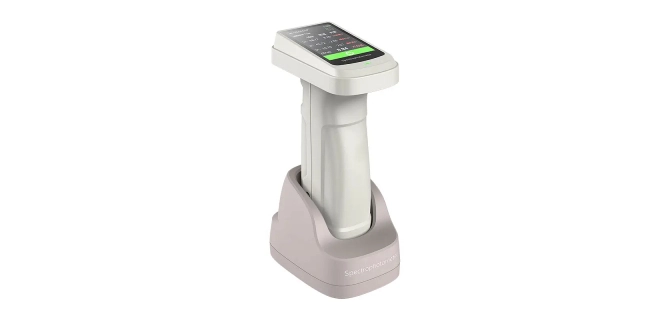
The software comes equipped with a spectrophotometer that provides 30+ measurement parameters, including spectral reflectance, CIE-Lab, CIE-LCh, ΔE*ab, hiding power, whiteness, and yellowness; and nearly 40 evaluation light sources, such as A, B, C, D50, D55, and D65, covering almost all color measurement parameters and light source types in the industry.
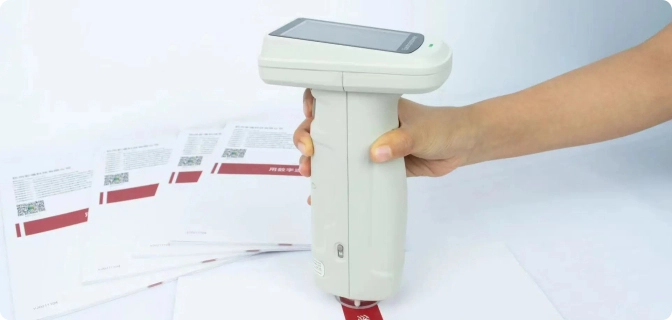
Companion Firmware
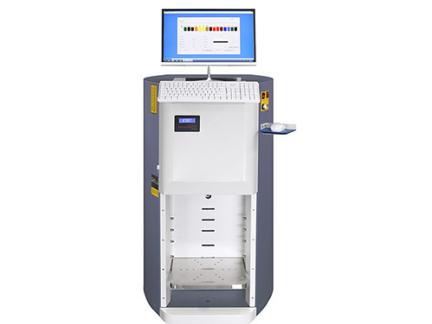
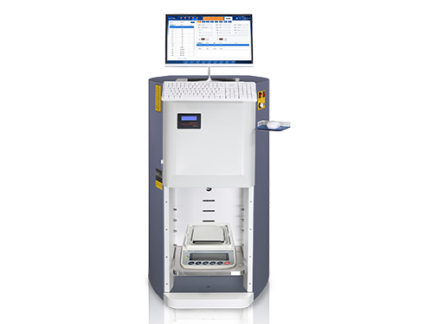
Main Functions
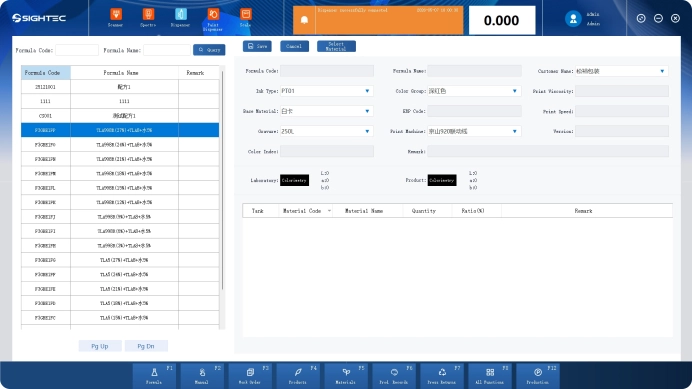
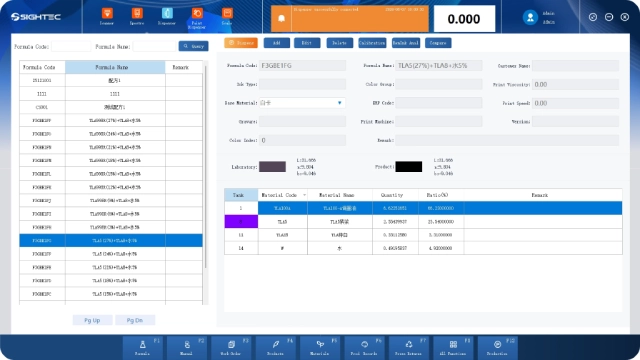
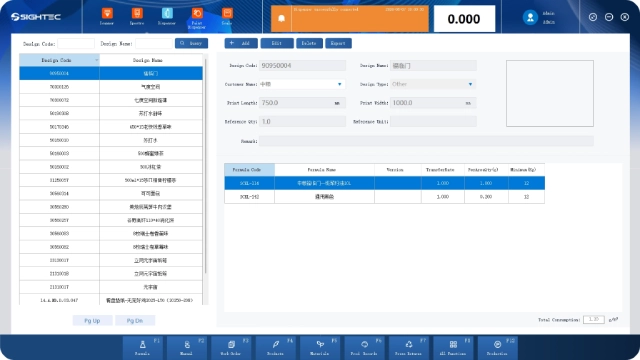
Click “Add” on the recipe management main page to make the recipe details editable. After entering the corresponding information, click Save. If it prompts that the recipe has been successfully added, the recipe has been successfully added.
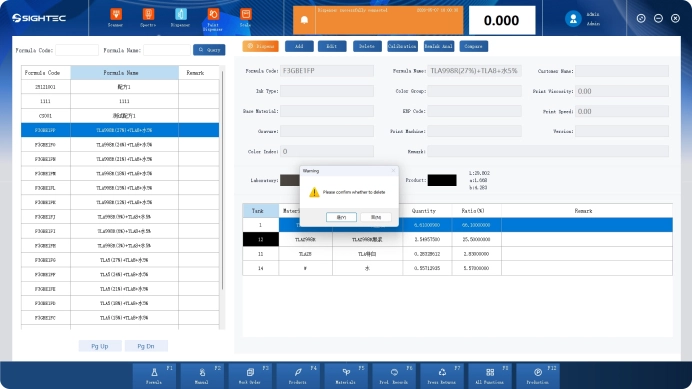
Click the “Edit” button on the recipe management main page to make the recipe details editable. After editing the corresponding information, click Save. If it prompts that the recipe has been successfully saved, the recipe editing is complete.
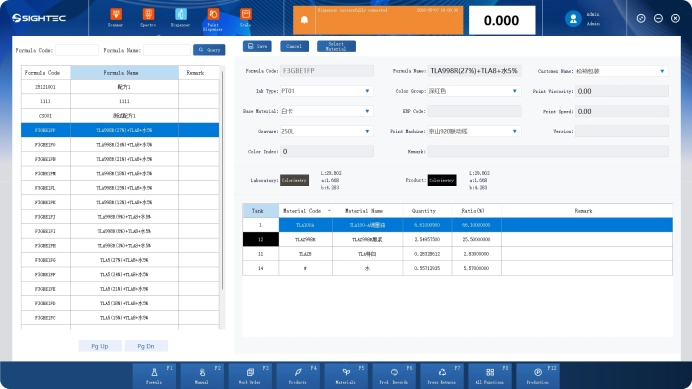
Switch to the recipe to be deleted and click the Delete button. If it prompts that the recipe has been successfully deleted, the recipe has been successfully deleted.
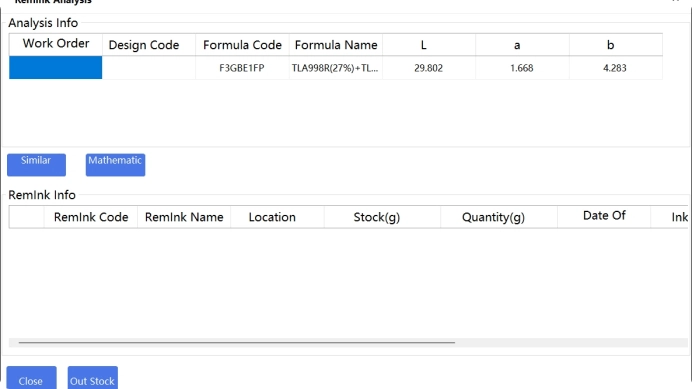
Click the “Ink Return Search” button on the recipe main page to enter the available ink return analysis page. The available ink return analysis page can match the available ink return by similar colors and scientific calculations.
FAQ
What is formula management software used for?
SIGHTEC Formula management software is used to create, store, and manage formulations for products such as inks. It helps ensure consistency, traceability, and accuracy across production batches by centralizing all formulation data in one system
How does formula management software improve color accuracy and consistency?
SIGHTEC Formula management software is used to create, store, and manage formulations for products such as inks. It helps ensure consistency, traceability, and accuracy across production batches by centralizing all formulation data in one system
Can formula management software integrate with dispensing and mixing systems?
SIGHTEC Formula management software is used to create, store, and manage formulations for products such as inks. It helps ensure consistency, traceability, and accuracy across production batches by centralizing all formulation data in one system
What are the key benefits of using formula management software?
SIGHTEC Formula management software is used to create, store, and manage formulations for products such as inks. It helps ensure consistency, traceability, and accuracy across production batches by centralizing all formulation data in one system