
Description
Highlights
- Realize batch management of work orders.
- Realize batch management of work orders.
- Allow operators to accurately coordinate ink production progress.
Main Functions
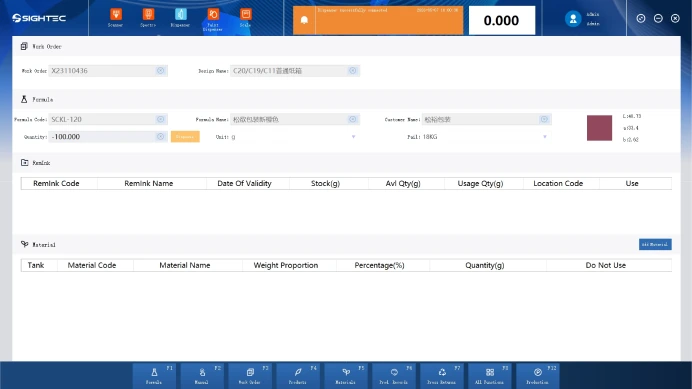
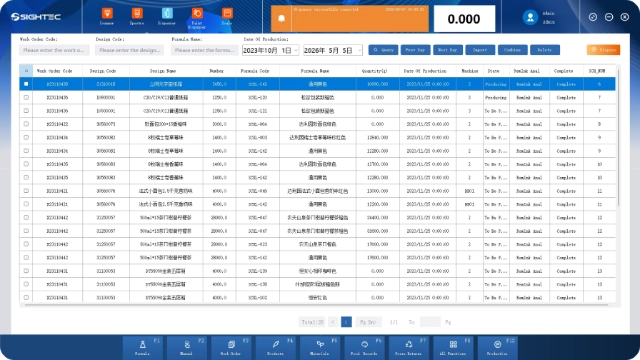
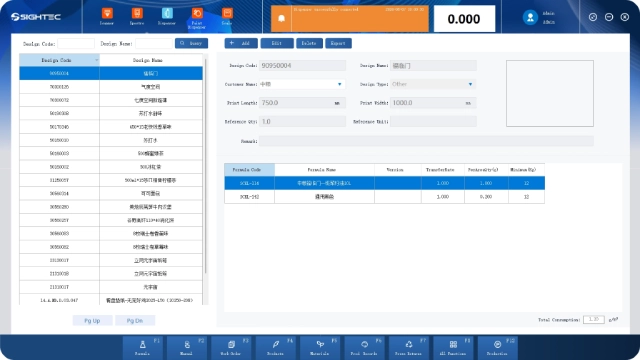
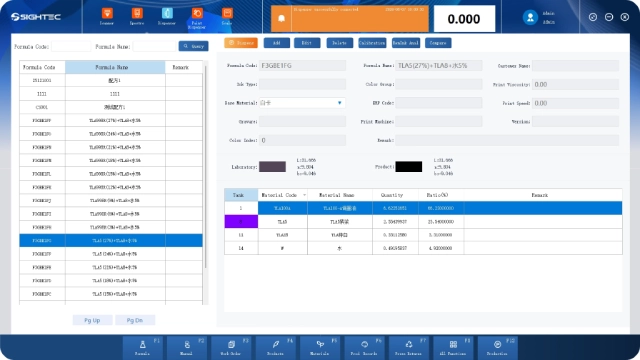
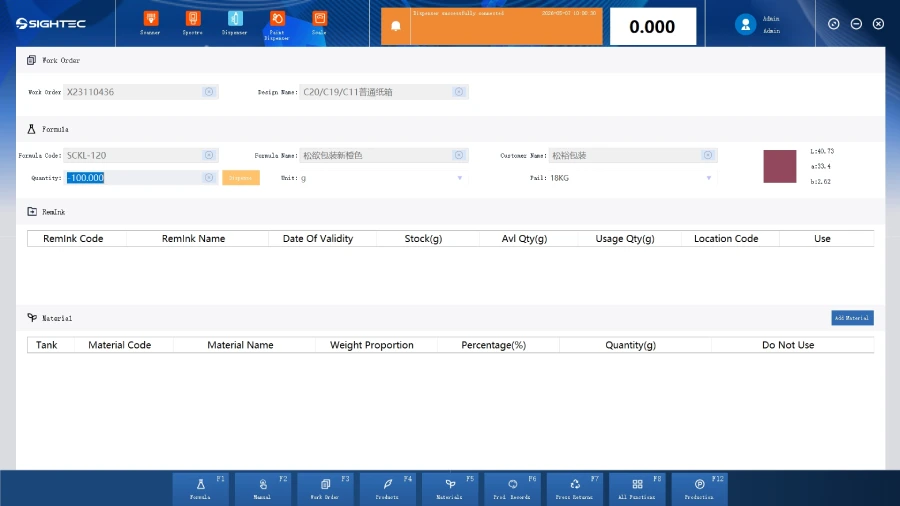
Click the “Work Order” button on the main page to enter the details page of the work order. From this page, you can add, edit and delete work orders.
Note: Once the work order is produced, it cannot be deleted.
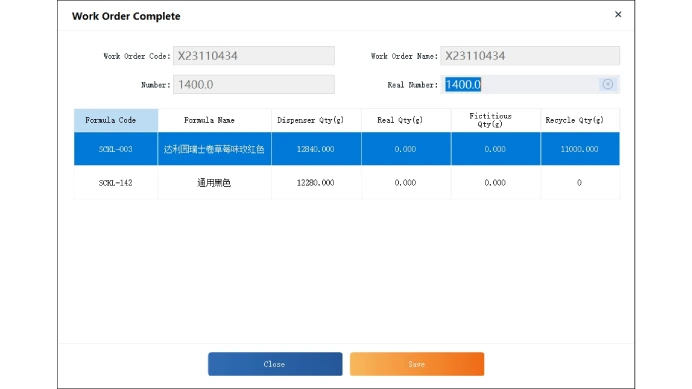
On the work order details page, switch to completed work orders, click “Work Order Completed” to open the completion page. Verify the information, click “Save” for a success prompt, and the status updates to production-completed.
Note: The quantity of manual color mixing is the quantity added manually by the machine.
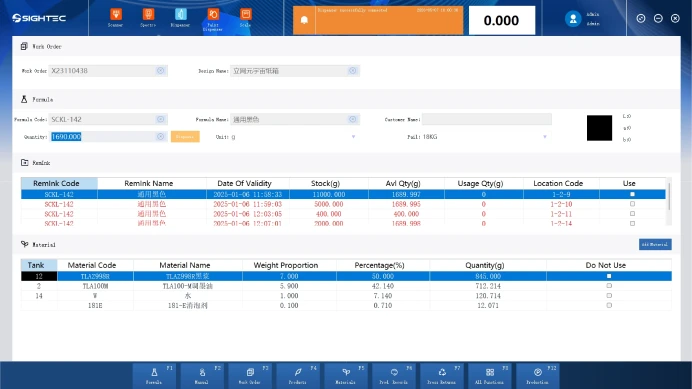
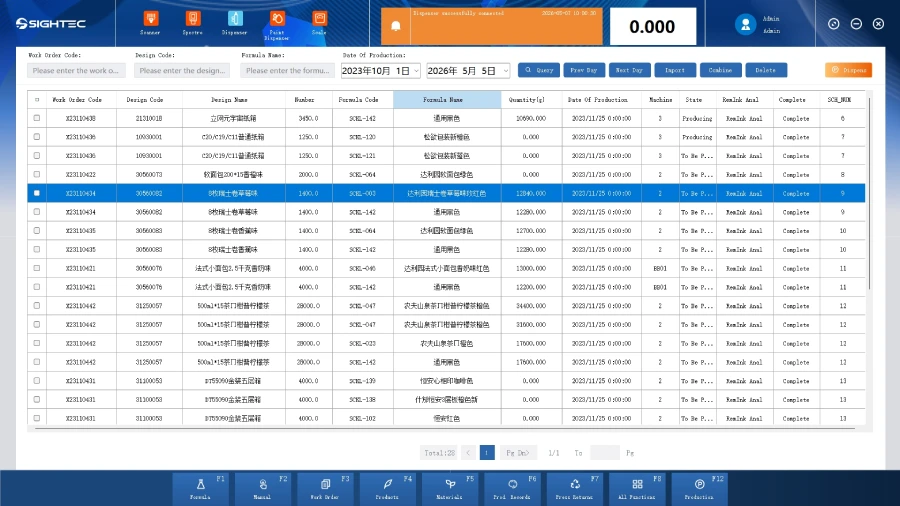
On the work order scheduling page, filter scheduling records by work order code and production date. Click Query to fuzzy-match data against these criteria, displaying only records that meet them.
FAQ
What is work order management software used for?
Work order management software is used to create, assign, track, and complete maintenance or production tasks in a structured and efficient way. It centralizes all work orders in one system, improving visibility and control across operations.
How does work order management software improve operational efficiency?
By automating task assignment, scheduling, and status tracking, the software reduces manual work and minimizes errors. Real-time updates and centralized data allow teams to complete jobs faster and improve overall productivity.
Can work order management software integrate with production and equipment systems?
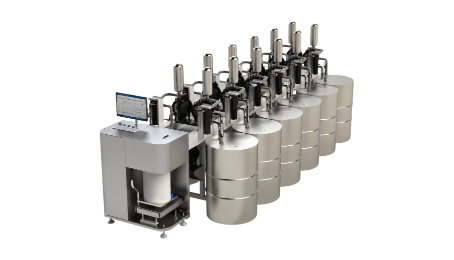
Yes, Sightec modern work order management systems can integrate with ERP systems, automatic dispensing machines, and production lines. This enables real-time data synchronization, better resource allocation, and seamless workflow from task creation to execution.
What are the key benefits of using work order management software?
Key benefits include improved task accuracy, better resource utilization, reduced downtime, and enhanced data tracking. The system also supports preventive maintenance and data-driven decision-making for long-term operational efficiency.