
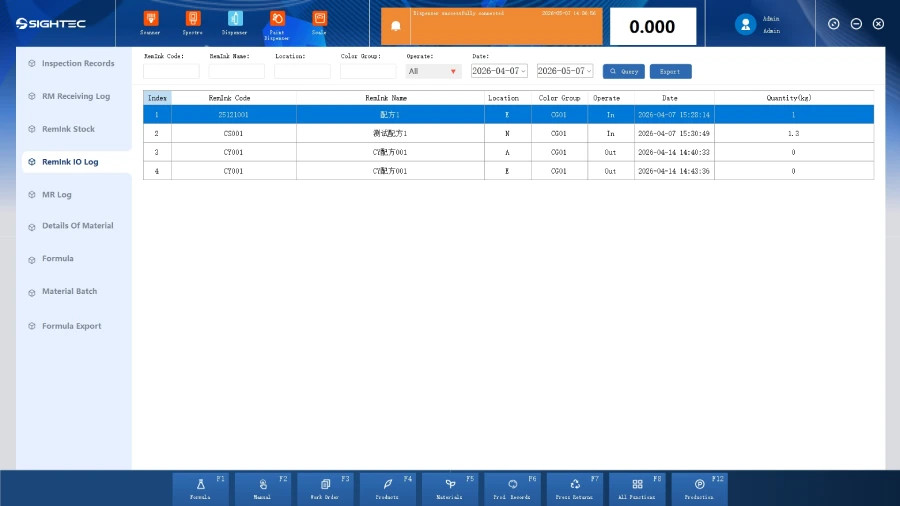
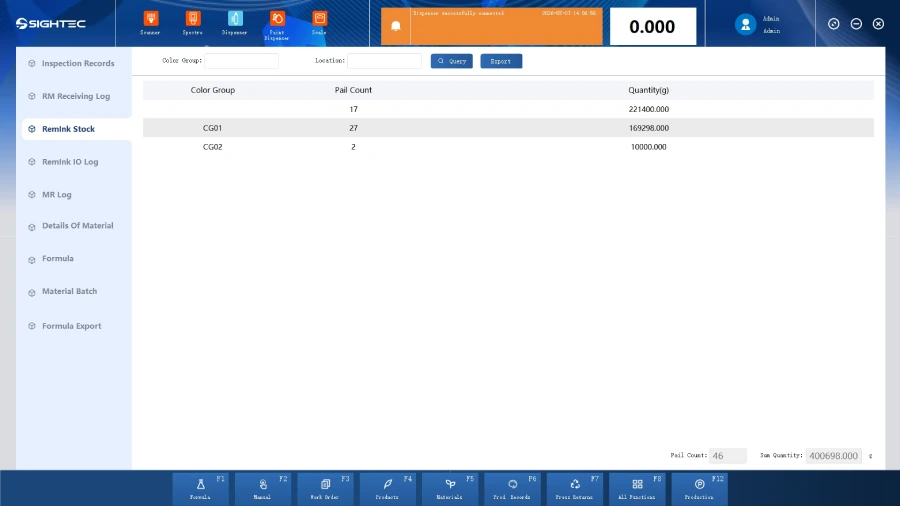
Highlights
Batch Tracking Function
Cost Accounting Function
Raw Material Usage Statistics Function
Ink Return Usage Statistics Function
Raw Material Inventory Counting Function
Ink Return Inventory Counting Function
Main Functions
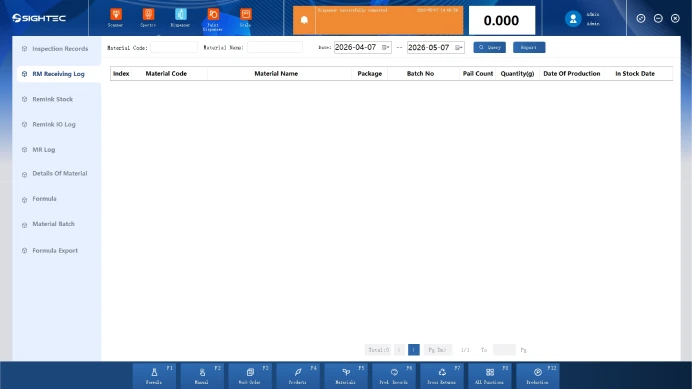
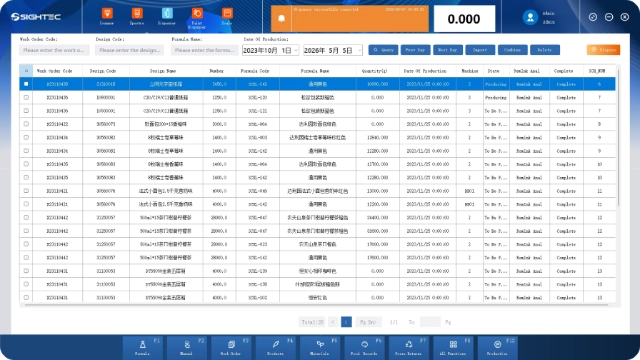
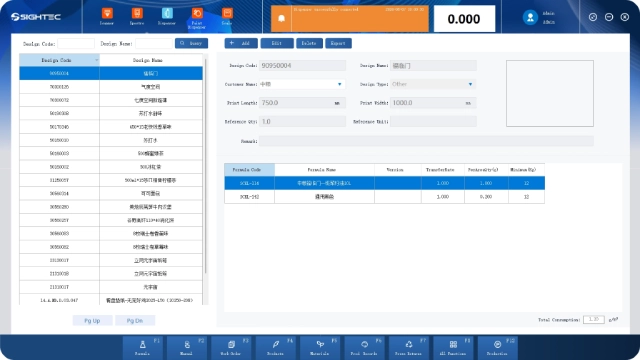
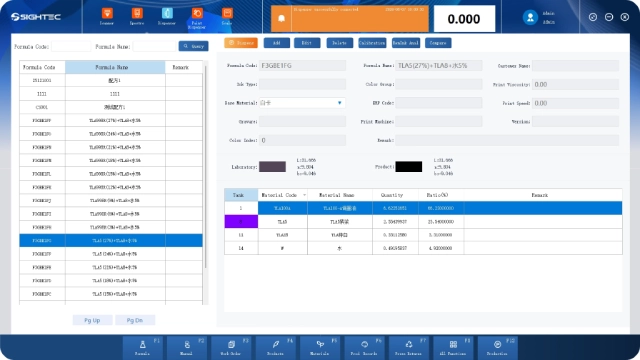
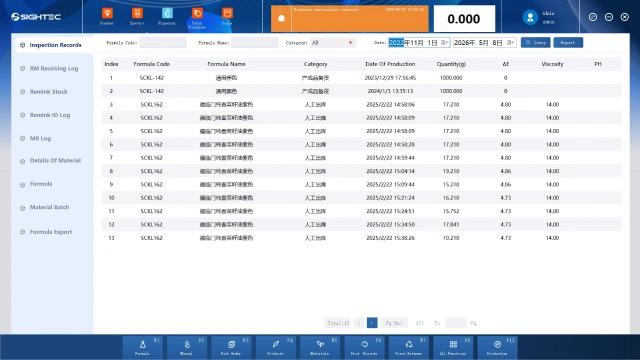
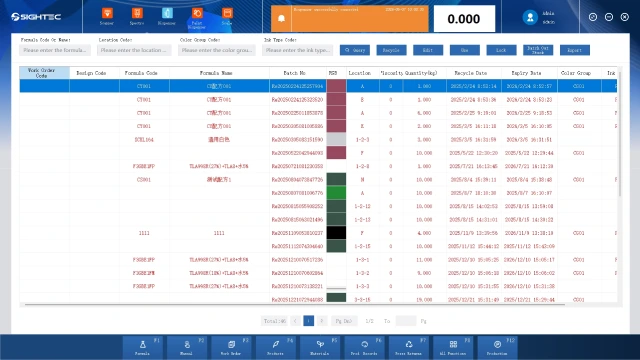
On the main page, click “Report Management” to open the report management page, where clicking buttons like “Raw Material Inventory,” “Raw Material Consumption Details,” “Planned Production,” “Finished Product Statistics,” “Off-machine Ink Inventory,” and “Production Summary Table” switches displayed report info.
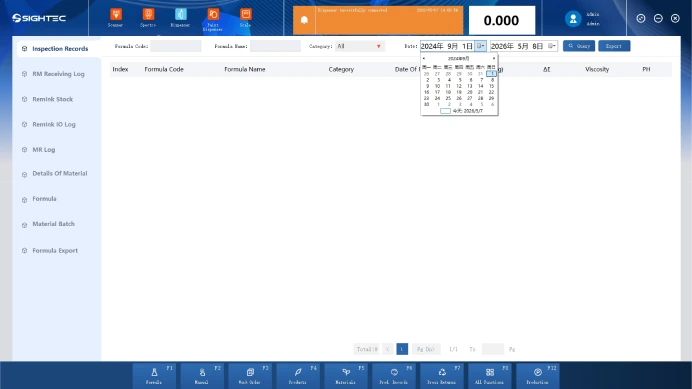
Adjust the date information corresponding to the report management page and click the “Query” button to display the corresponding report data within the corresponding date.
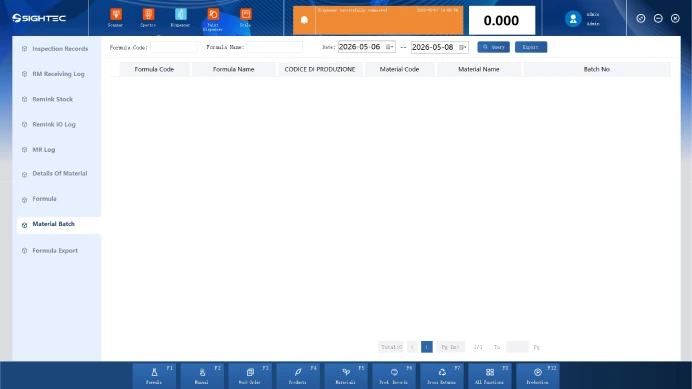
Click the “Export” button and select the location to save. The corresponding report information of the current query will be exported to the Excel file of the selected location.
FAQ
How does the report management system improve production transparency?
The Sightec report management system centralizes real-time data from all dispensing and metering devices into a unified dashboard. By providing clear data visualization of ink consumption and batch history, it eliminates information silos and allows managers to monitor production efficiency across multiple lines from a single interface.
How does report management software improve operational efficiency?
By automating report generation and distribution, the report management system reduces manual work and eliminates formatting errors. Real-time data integration enables faster reporting cycles and allows teams to make quicker, data-driven decisions.
Can the report management software generate customized reports for different management needs?
Yes. Users can generate tailored reports—including daily output, material usage, and cost analysis—in multiple formats like Excel or PDF. This flexibility ensures that production teams, procurement departments, and quality auditors all receive the specific operational insights they require for decision-making.
How does automated reporting help in reducing operational errors?
By automating data collection and processing, the report management software removes the risks associated with manual data entry. Accurate, automated logs of production parameters and material residues ensure data integrity, simplify the auditing process, and provide a reliable basis for long-term resource optimization.